AI in Project Management: How AI Is Changing the Way Teams Work
A practical look at what AI in project management actually does today, where it adds real value across industries, and where human judgment still matters.
1. Introduction
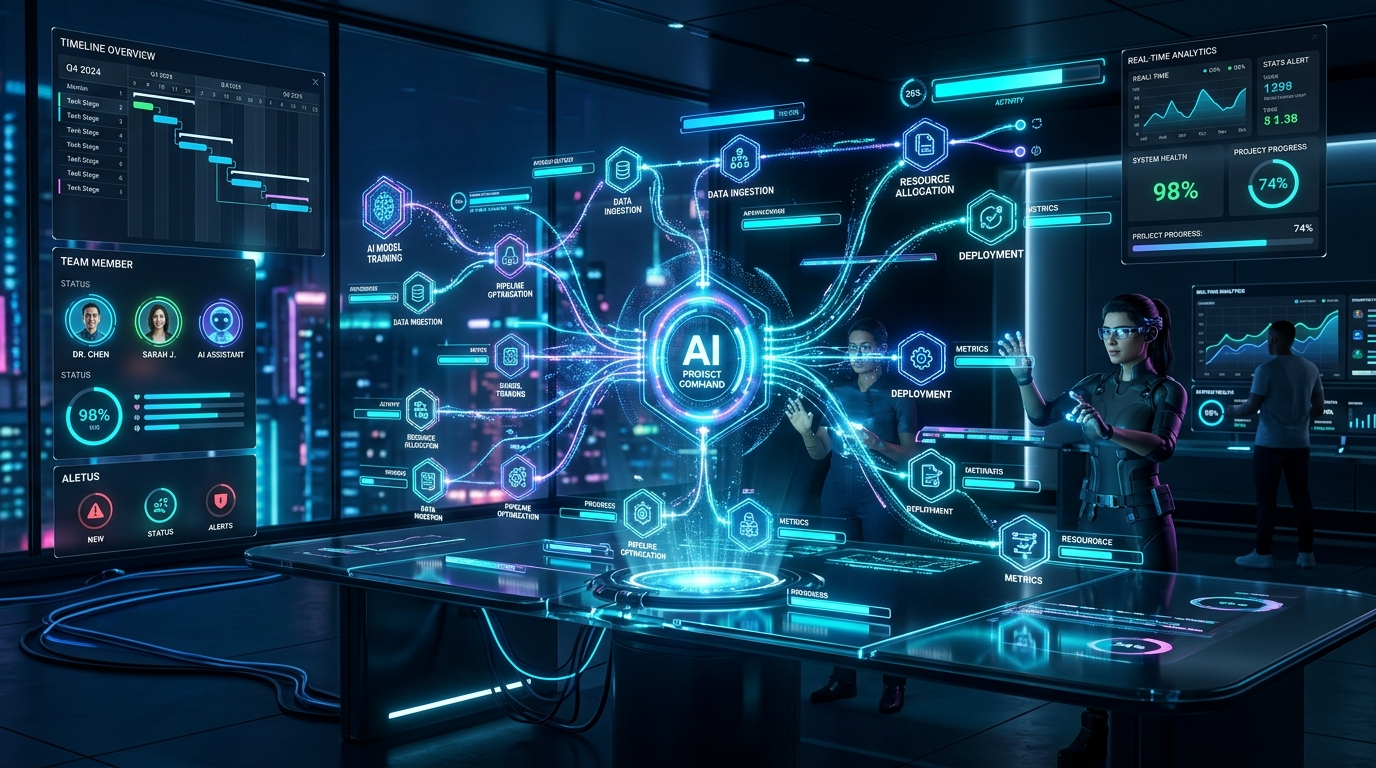
AI in project management has moved past the hype phase. It's no longer just a feature on a pricing page — it's showing up in how tasks get written, how schedules get built, and how managers spot problems before they become crises. This isn't limited to tech companies either: hospitals, construction firms, retailers, and marketing agencies are all quietly using AI to remove friction from everyday project work.
Here's a practical look at what AI in project management actually does today, where it adds real value, and where human judgment still matters.
2. What "AI in Project Management" Actually Means
When people talk about AI project management, they usually mean one or more of these capabilities:
- Automated Task Creation & Clarity: Turning a rough note or meeting transcript into a clearly written, actionable task.
- Smart Prioritization & Scheduling: Automatically ranking or rescheduling tasks based on deadlines, dependencies, and workload.
- Predictive Risk Flagging: Identifying tasks likely to be late based on historical patterns.
- Natural Language Assistance: Improving the clarity of task descriptions, meeting notes, or approval requests.
- Workload & Capacity Insights: Spotting overloaded team members before burnout or missed deadlines happen.
3. AI in Project Management, by Industry
Construction & Field Services
AI-assisted scheduling tools can flag when a delayed material delivery will cascade into downstream tasks — inspections, subcontractor scheduling, or safety sign-offs — giving project managers early warning instead of finding out on-site.
Healthcare & Clinics
AI can help route and prioritize administrative tasks — patient follow-ups, documentation deadlines, equipment maintenance schedules — so clinical staff spend less time on coordination and more time on care. AI-assisted text tools can also help staff write clearer, more complete task and incident notes faster.
Retail & Hospitality
Across multiple store locations, AI can help flag which locations are falling behind on recurring tasks (restocking, compliance checks, seasonal setup) without a regional manager having to check every location manually.
Manufacturing & Logistics
AI-driven scheduling can adjust production and shipping task sequences automatically when a delay occurs upstream, reducing the manual replanning that used to eat hours of a supervisor's day.
Marketing & Creative Agencies
AI writing assistance is one of the most visible uses here — turning a rough creative brief into a structured task with a clear description, or improving the clarity of a task before it's assigned, cutting down on the back-and-forth that usually follows a vague brief.
4. Real Examples of AI Features Inside Task Tools
AI-Improved Task Descriptions
Writing tools that take a rough note and turn it into a clear, well-formatted task description, preserving structure like bullet points and headings.
Smart Scheduling Assistants
Tools that automatically rearrange a calendar or task list based on shifting priorities and deadlines.
Risk & Delay Prediction
Models that flag tasks at risk of running late based on similar past tasks.
Meeting-to-Task Conversion
AI that turns meeting notes or transcripts directly into assignable tasks with owners and due dates.
The biggest time savings usually come from the most repetitive admin work — writing tasks clearly, catching scheduling conflicts, and flagging at-risk deadlines — not from replacing the manager's judgment calls.
5. The Benefits of AI in Project Management
- Less Time Spent on Admin: Writing, formatting, and scheduling tasks manually takes real time across a week; AI assistance removes a meaningful chunk of it.
- Earlier Warning on Delays: Instead of discovering a missed deadline after the fact, predictive flags give managers time to react.
- More Consistent Task Quality: AI-assisted writing tends to produce clearer, more complete task descriptions than rushed manual entries.
- Better Workload Balancing: Capacity insights can catch overload before it turns into missed deadlines or burnout.
"AI in project management is a support tool, not a replacement for management judgment — it removes the repetitive coordination work so people can focus on the decisions that actually need a human."
6. The Limitations — Where Human Judgment Still Matters
AI in project management is a support tool, not a replacement for management judgment. A few important limits:
AI Can't Own Accountability
A task still needs a human owner responsible for the outcome, not just an algorithm that assigned it.
Predictions Are Only as Good as the Data
A new type of project with no historical pattern won't get reliable AI-driven risk flags.
Context & Relationships Still Need a Person
Negotiating priorities between departments, handling sensitive client conversations, or resolving conflicting deadlines is still fundamentally a human skill.
Over-Automation Can Hide Problems
Teams that lean entirely on AI scheduling without regular manual review can miss issues an experienced manager would catch by simply looking at the board.
7. How to Start Using AI in Project Management Without Overhauling Everything
1. Start with One High-Friction Task
Usually writing clear task descriptions or converting meeting notes into tasks.
2. Treat AI Prioritization as a Suggestion First
Use AI-assisted prioritization as a suggestion, not an automatic override, at first.
3. Review Predictive Flags Weekly
Review predictive delay flags weekly rather than reacting to every alert in real time.
4. Keep a Human Owner on Sensitive Work
Keep a human owner and a clear approval step for anything client-facing or compliance-related.
AUM Task pairs AI-assisted writing and workload visibility with Notes for Approval workflows, so teams get the speed of automation without losing accountability.
Get Started for Free8. Frequently Asked Questions
What is AI project management?
AI project management refers to using artificial intelligence within project and task management tools to automate scheduling, improve task clarity, predict delays, and surface workload insights — reducing manual coordination work for managers and teams.
Is AI in project management only useful for tech companies?
No. Construction, healthcare, retail, manufacturing, and marketing teams are all using AI features — like automated task writing and delay prediction — inside their everyday task management tools.
Can AI replace a project manager?
No. AI can automate scheduling, writing, and pattern-based predictions, but accountability, stakeholder relationships, and judgment calls under ambiguity still require a human project manager.
What's an easy first step to using AI in project management?
Start with AI-assisted task writing or meeting-to-task conversion — it's low-risk, saves time immediately, and doesn't require changing your entire workflow.
9. The Takeaway
AI in project management isn't about replacing managers — it's about removing the repetitive admin work (writing tasks clearly, catching scheduling conflicts, flagging at-risk deadlines) so people can spend more time on judgment calls that actually need a human. Whether you're running a hospital department, a construction site, or a marketing team, the same principle applies: let AI handle the repetitive coordination, and keep humans in charge of the decisions.